Web Sound Effects
Layer effects, timing, and sound shaping in a focused editor built for quick iteration.
Audio Editor App for iPhone & iPad
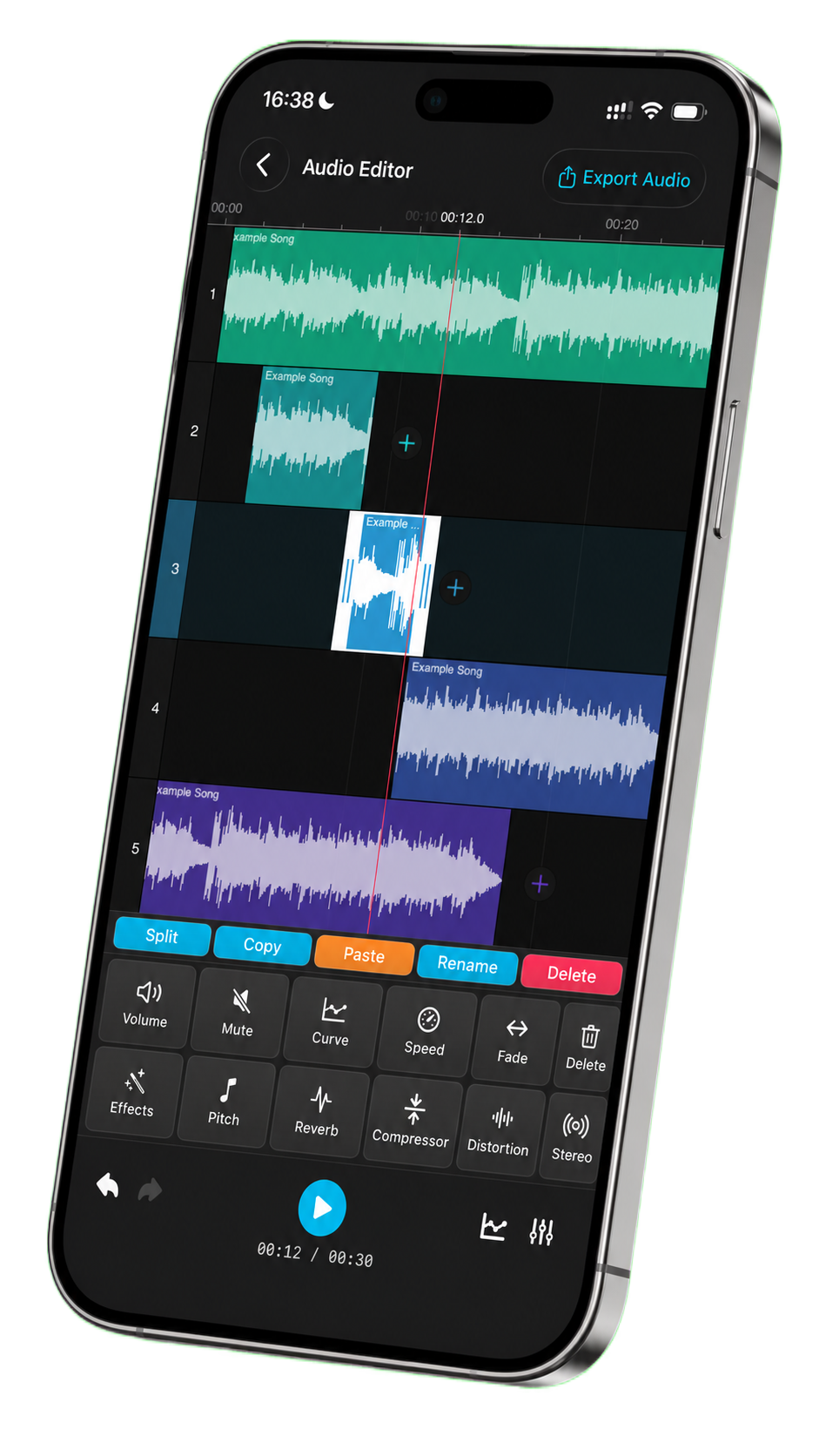
Audio Editor: Song Cutter brings multi-track editing, trimming, noise removal, audio effects, recording, stitching and video-to-audio conversion into one focused workspace.
What it does
Audio Editor: Song Cutter keeps common creator workflows close together: cut clips, clean noise, shape volume, record new audio, stitch files, convert formats, and export from iPhone or iPad.
Layer effects, timing, and sound shaping in a focused editor built for quick iteration.
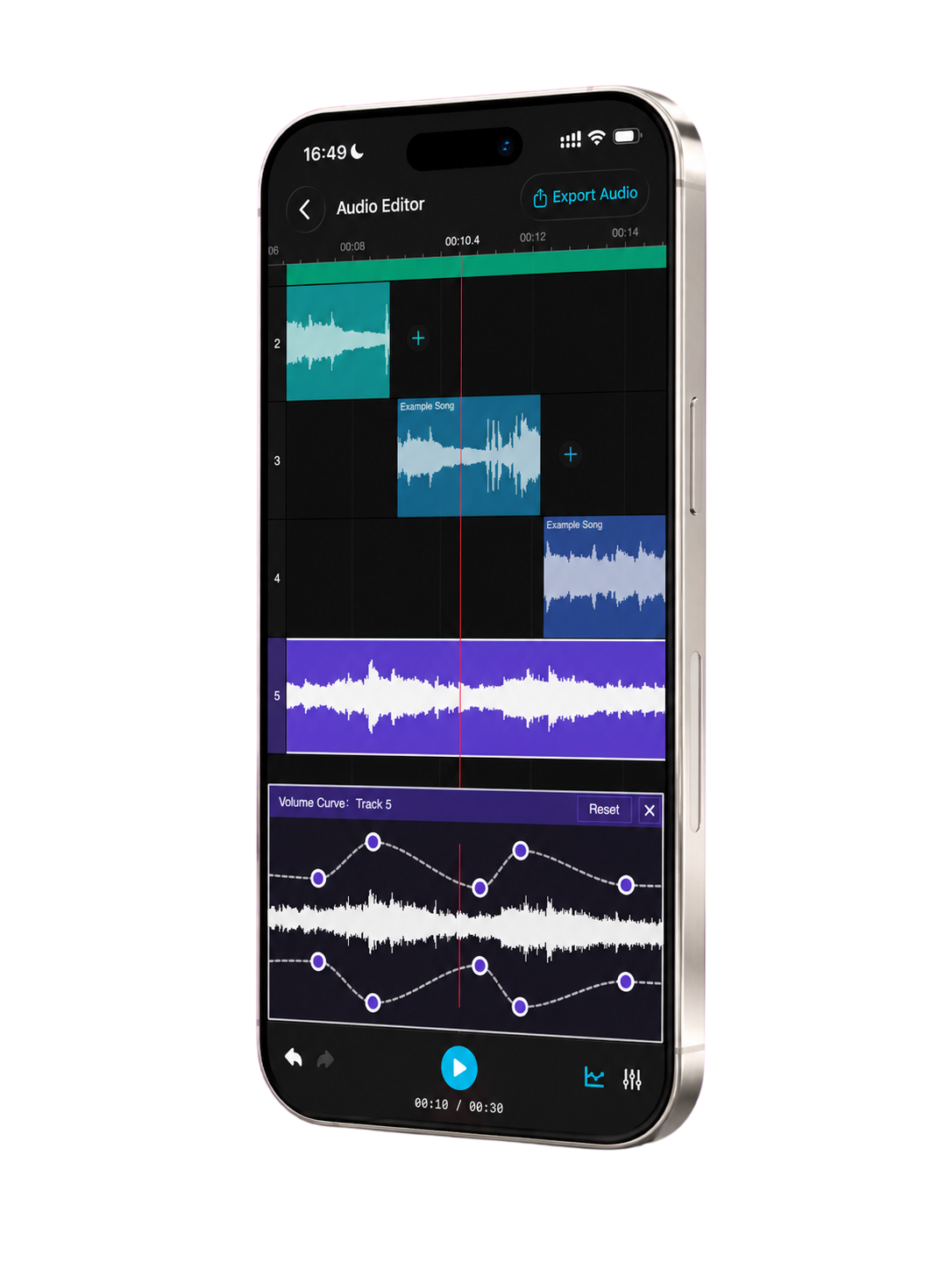
Shape loudness with precision for speech, music, clips, and social media audio.
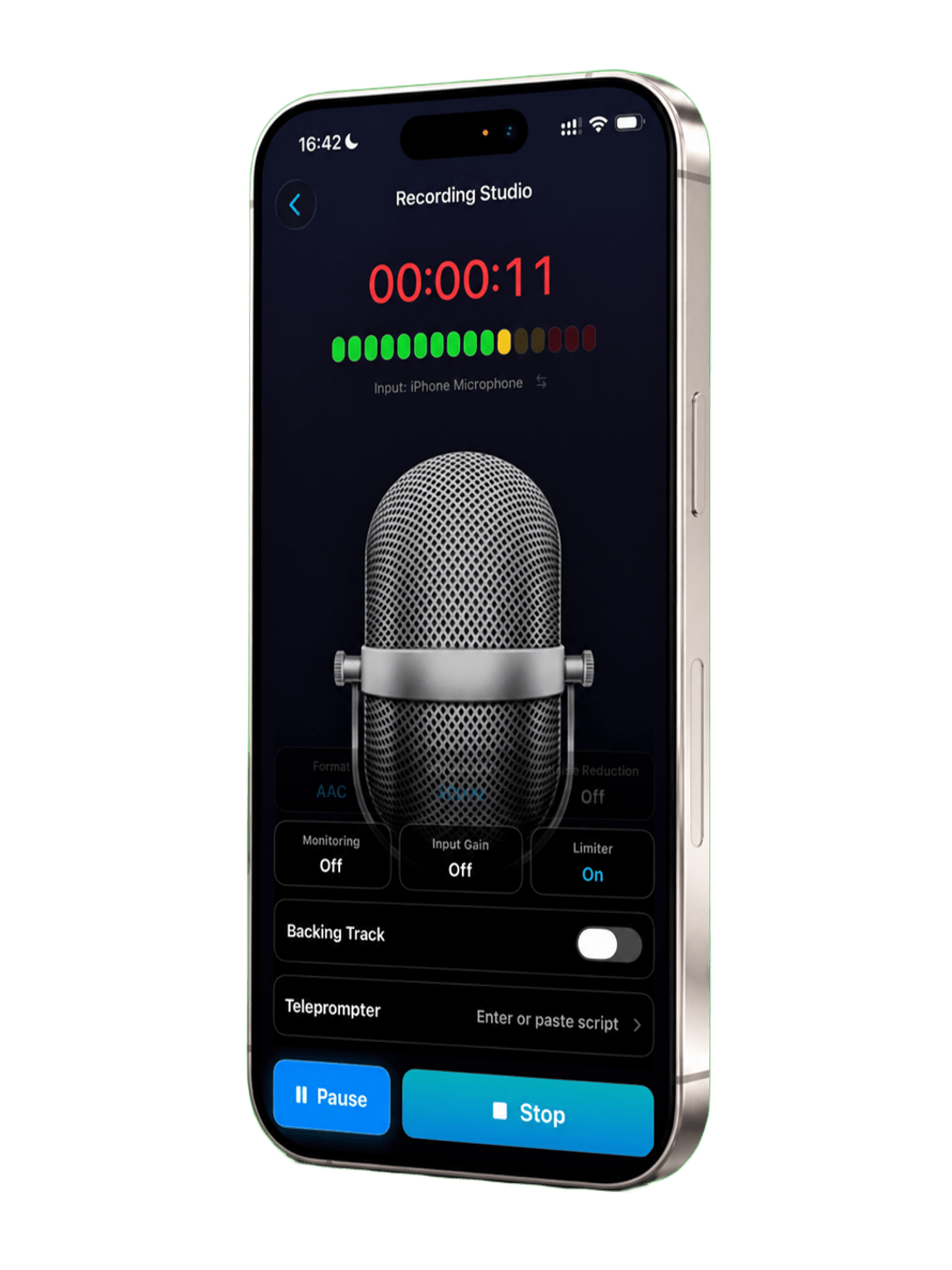
Record clean voice or source audio, then move directly into cleanup and export.
Web Sound Effects
Use a visual sound-effects workspace to shape clips without leaving the app.

Sharp Volume Curves
Keep voice, music, and source clips balanced with tactile volume control.
High-Quality Audio Recording
Record, preview, clean up, convert, or export from the same mobile workspace.
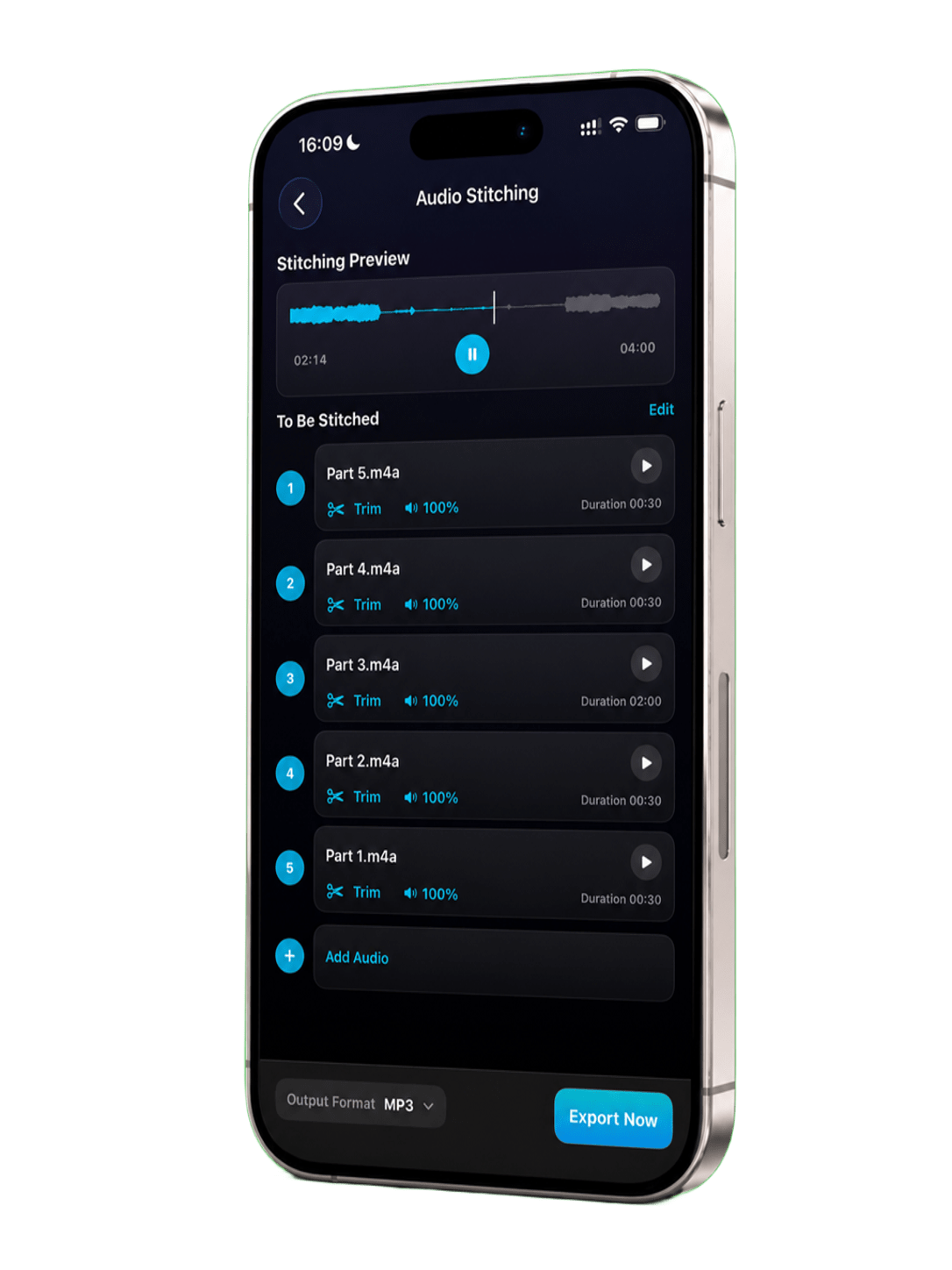
Audio Stitching
Assemble multiple files in order, preview the result, and export a continuous audio file.
Batch Convert Video to Audio
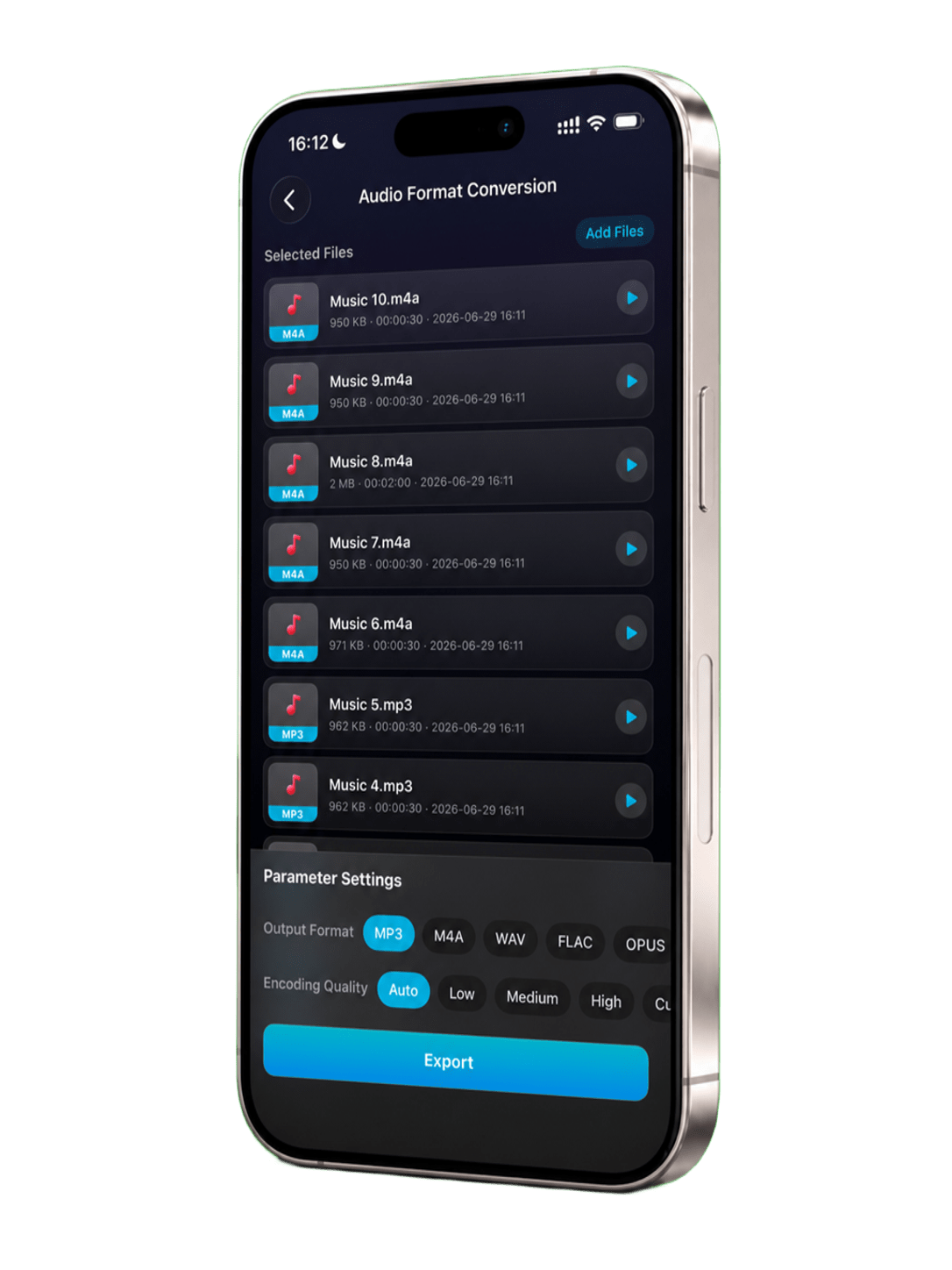
Convert media in batches with format controls for bitrate, sample rate, channels, and export quality.